Making a professional lighting platform faster to use
ChamSys.hu serves the Hungarian lighting community. People don't come here to browse — they arrive mid-job to download software, check a device or find help. I rebuilt the structure around those tasks, then designed and built the site.
Context
ChamSys provides lighting control software, consoles, learning material and support for professionals in Hungary. Most visitors arrive with a specific task: download MagicQ, check a device, or get quick help during a show.
So the goal was never a visual redesign. It was fast, uninterrupted access to the things people come for most.
The problem
The platform was professionally strong, but its structure didn't reflect how people actually used it. The most common actions sat several clicks deep:
- Downloading MagicQ wasn't immediately available
- Service and support were buried in the navigation
- The homepage was essentially an image gallery
- The navigation didn't reflect user priorities
Users spent more time searching, their workflow got interrupted, and uncertainty went up.
What the data said
Analytics from the previous site showed a clear pattern. The most visited content was:
- MagicQ software
- MagicQ devices
- Service form
- Locations
People come with a purpose. The UX focus became quick access and less decision uncertainty.
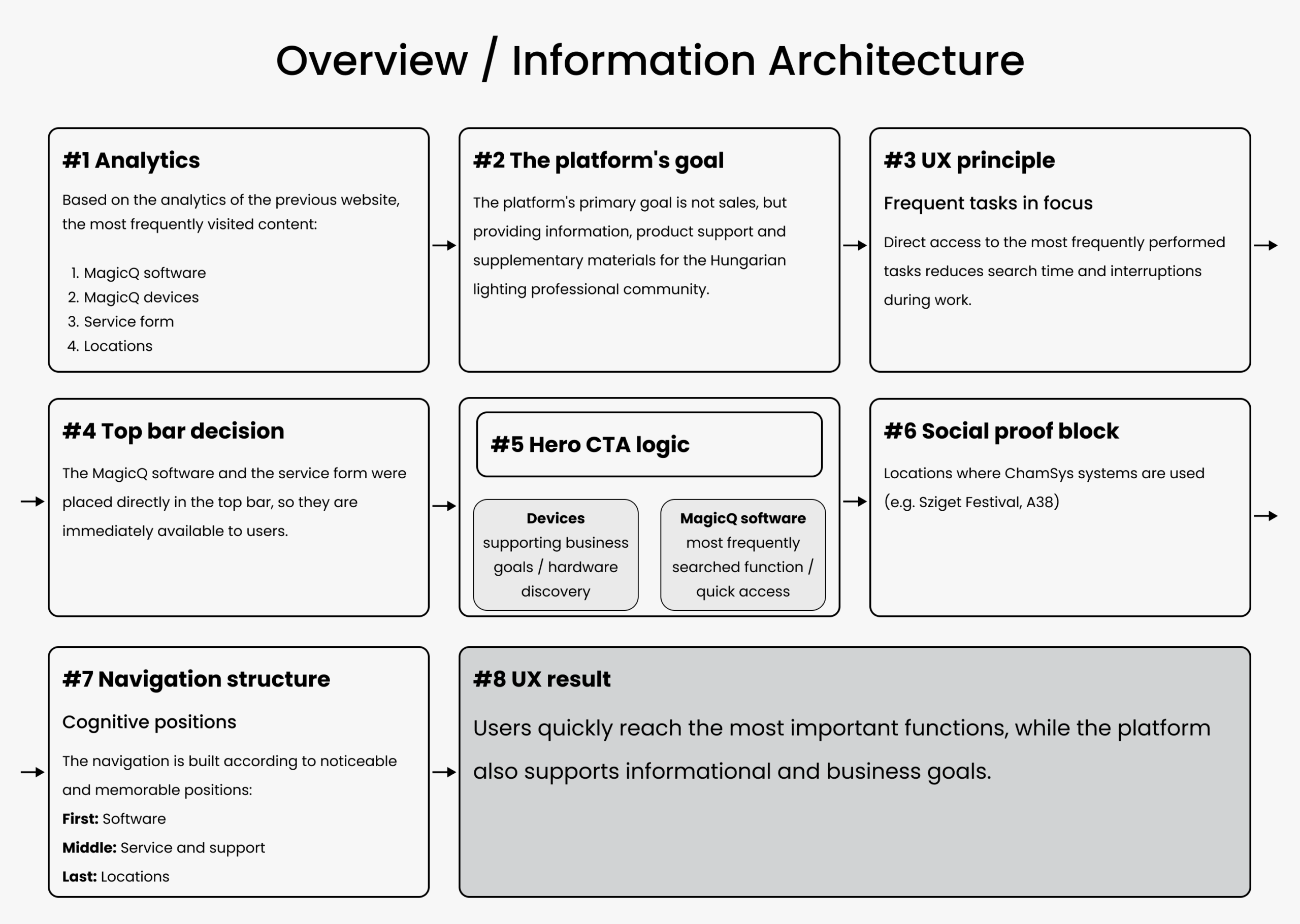
Structure
This is an information and support platform, not a sales page. The most common tasks had to be reachable in as few steps as possible:
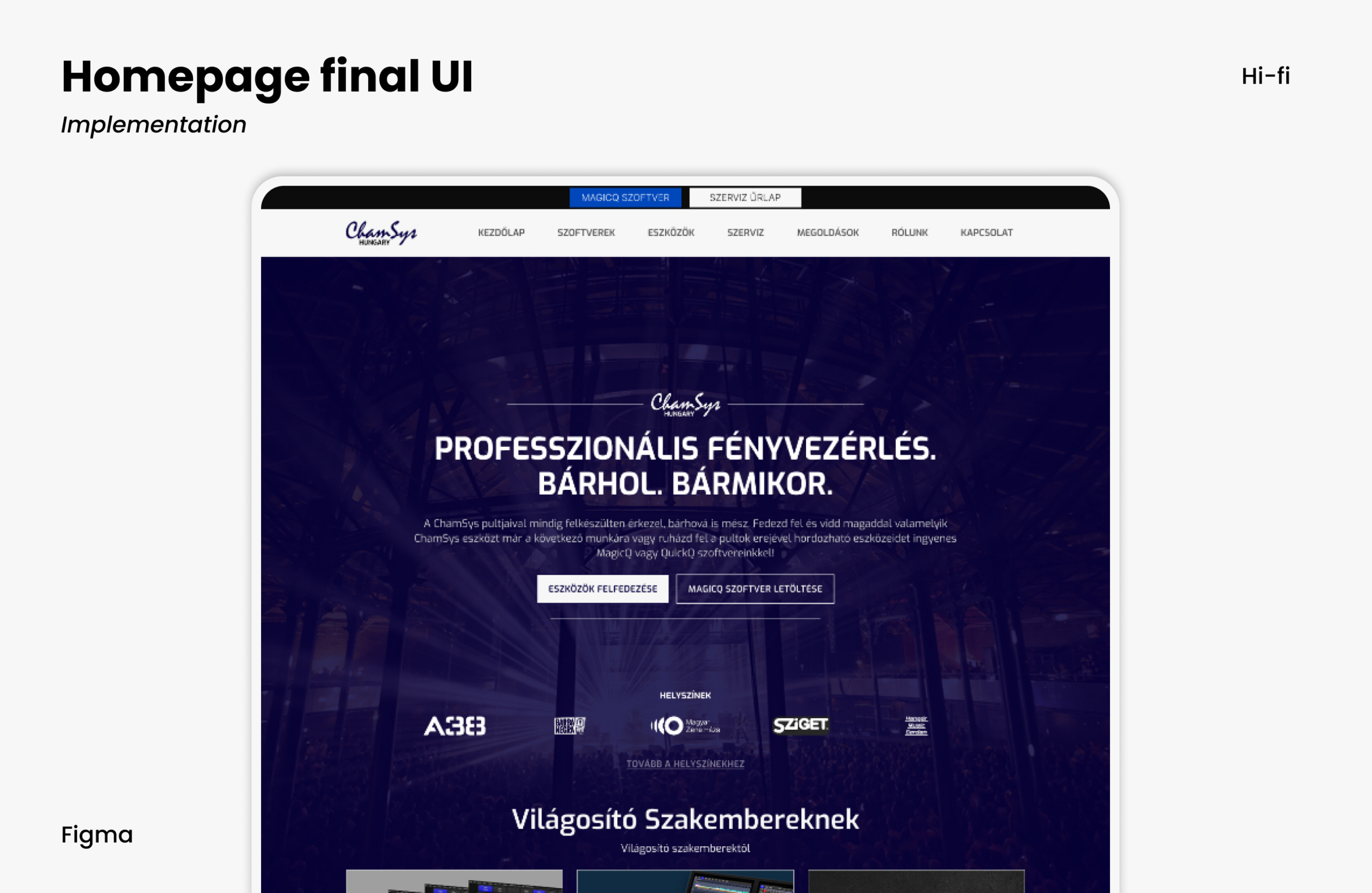
- MagicQ software and the service form moved into the top bar
- The hero got two clear entry points: devices and MagicQ
- Navigation built around perceptual position — first, middle and last items carry the weight
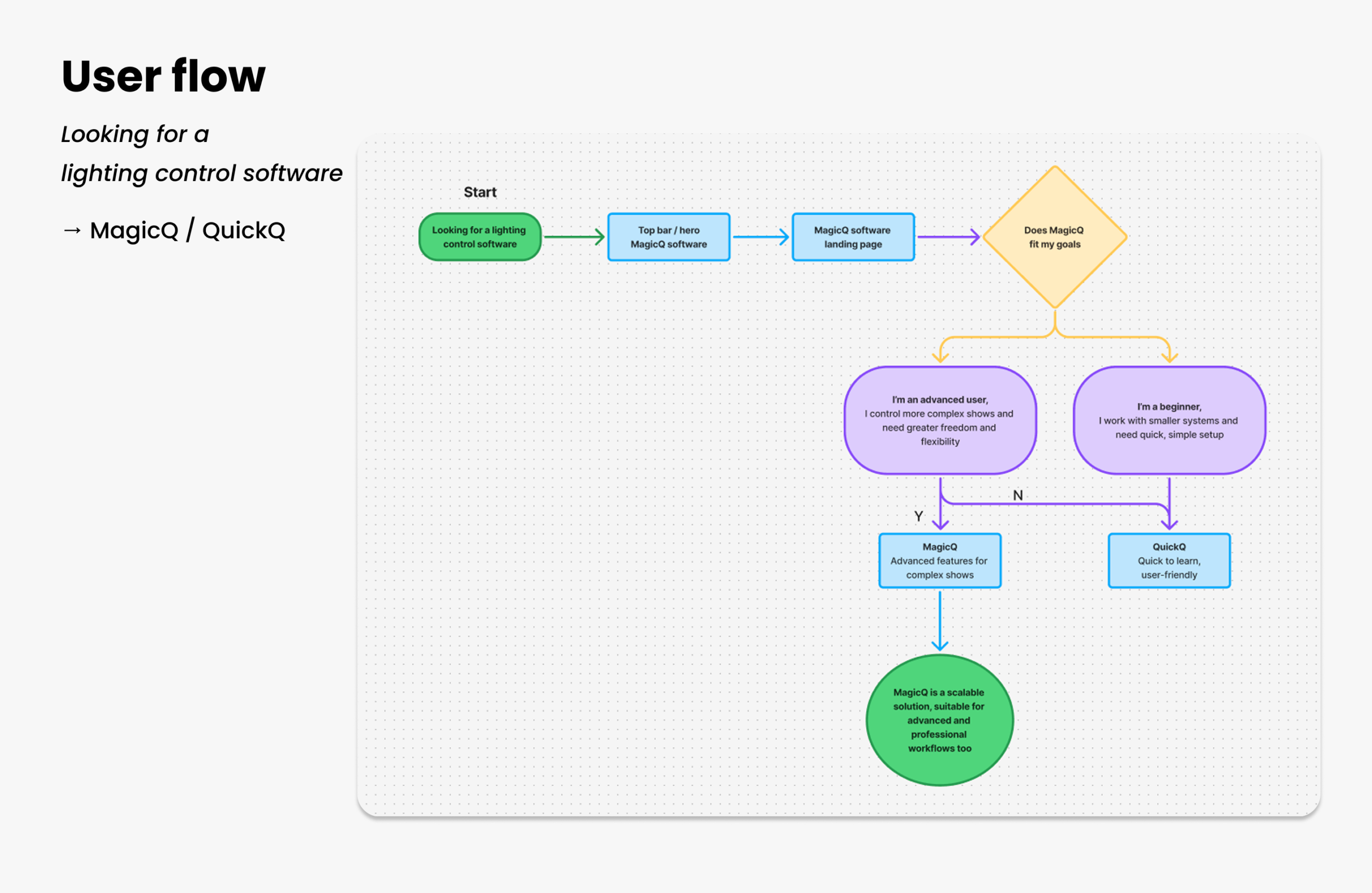
Choosing the right software
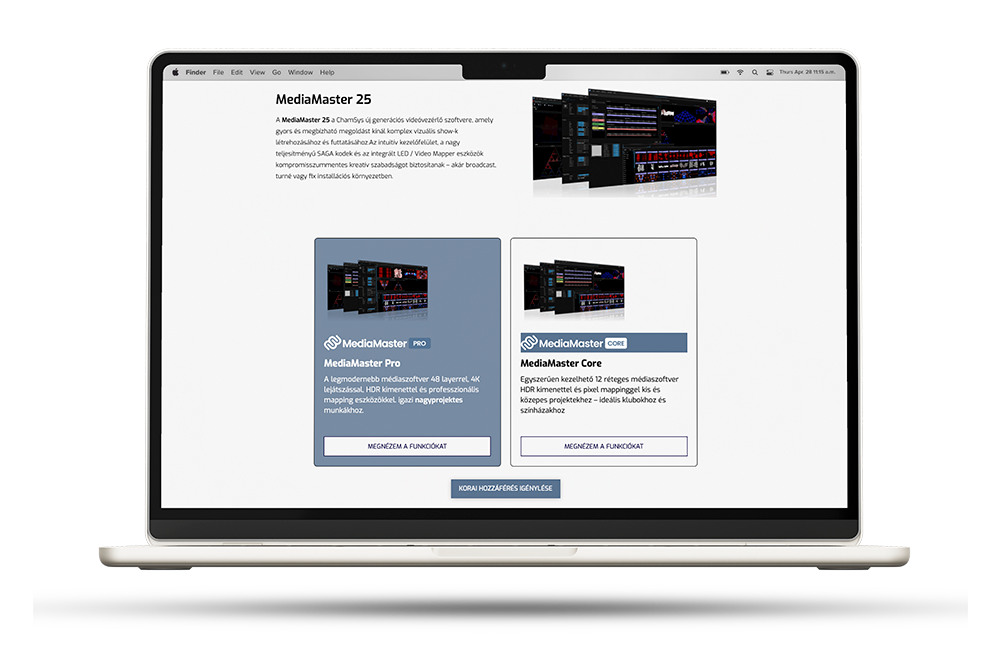
Many visitors look specifically for MagicQ — but the right version depends on system size, show complexity and experience. The goal wasn't to push a choice, but to give people enough context to pick confidently on their own.
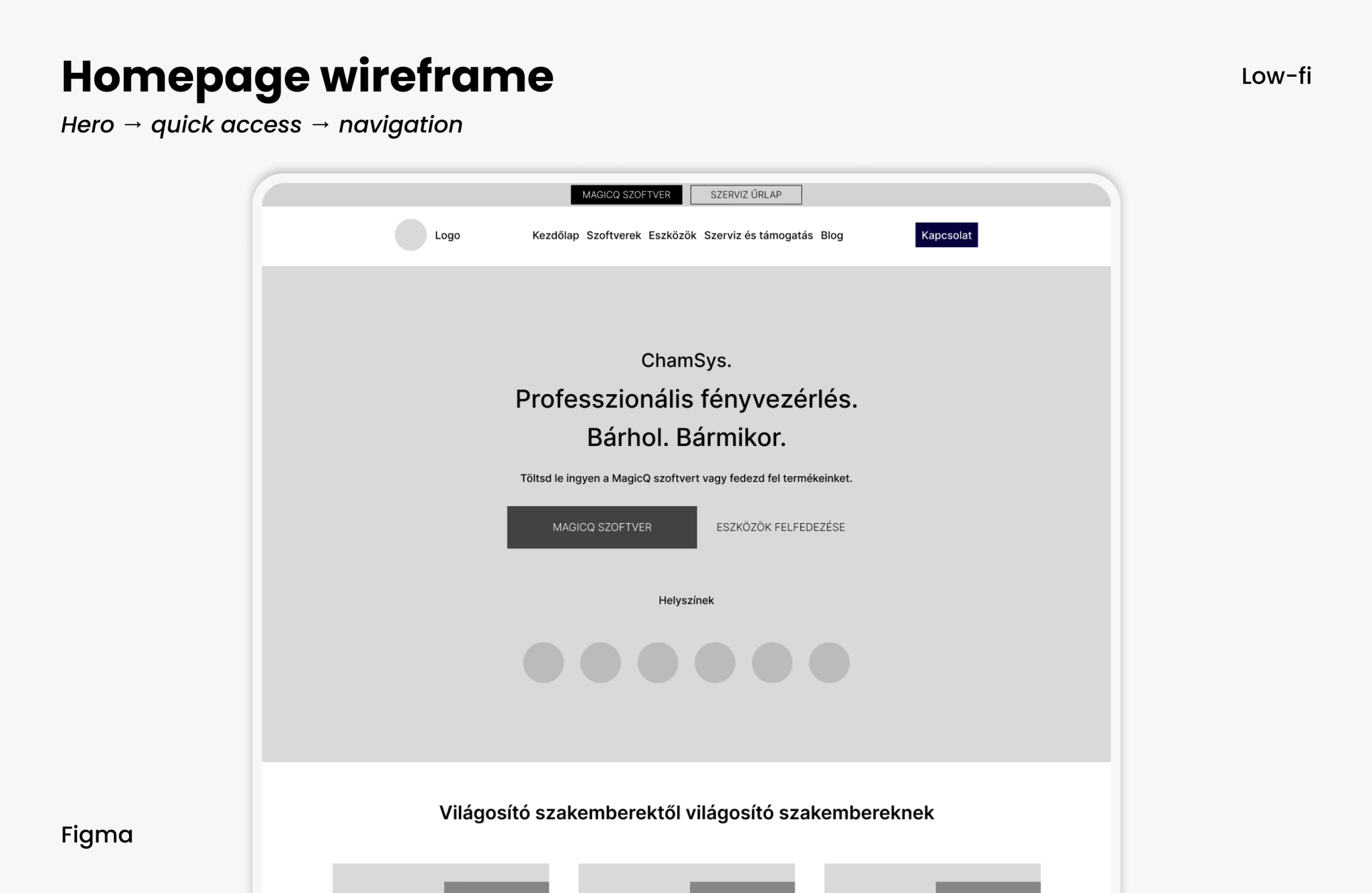
Homepage as a compass
The homepage works as orientation, not as a marketing surface. The hero serves the two main goals, gives direct access to the most common tasks, and uses social proof to signal that you're in the right place.
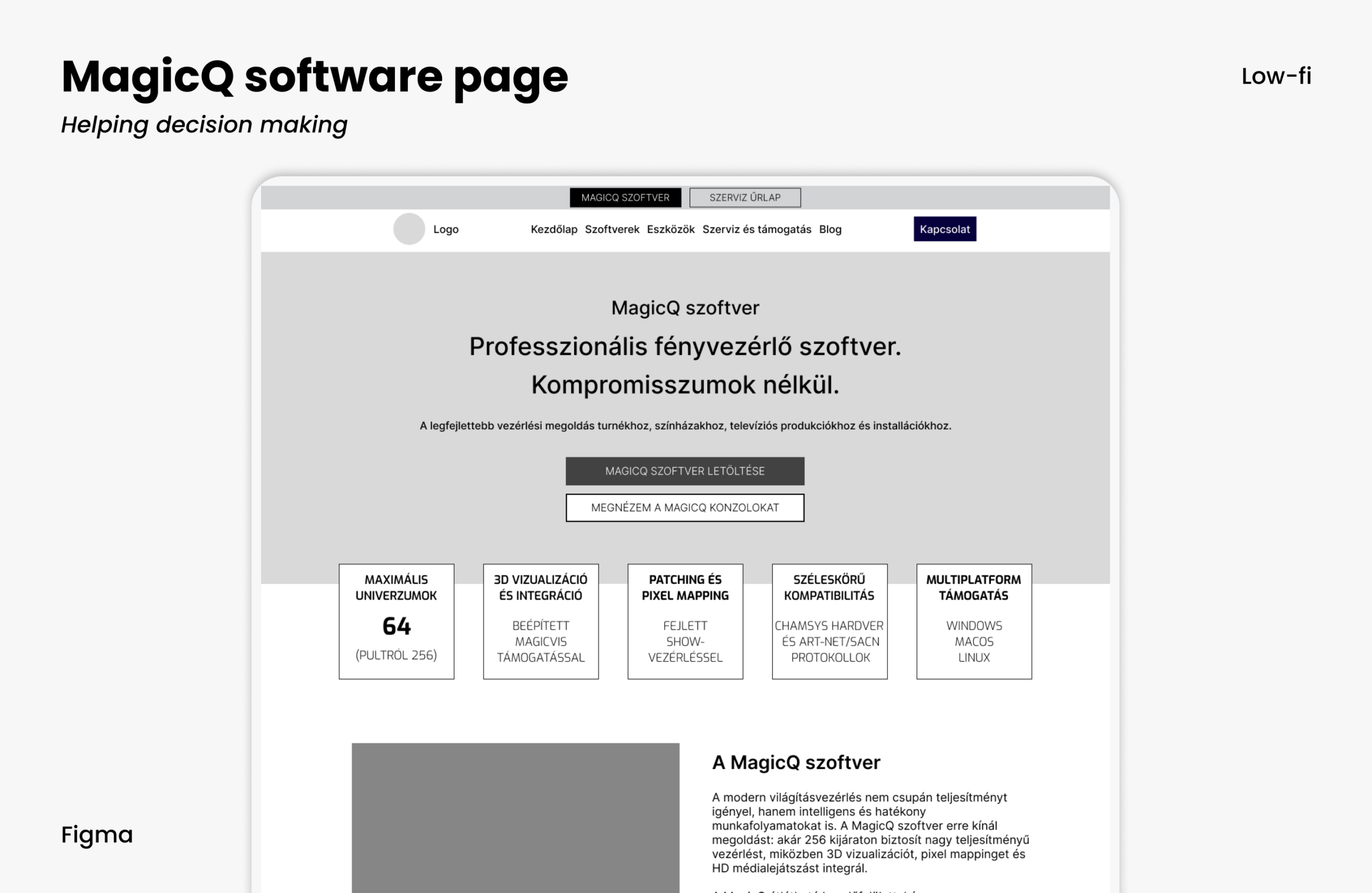
Confirming the decision
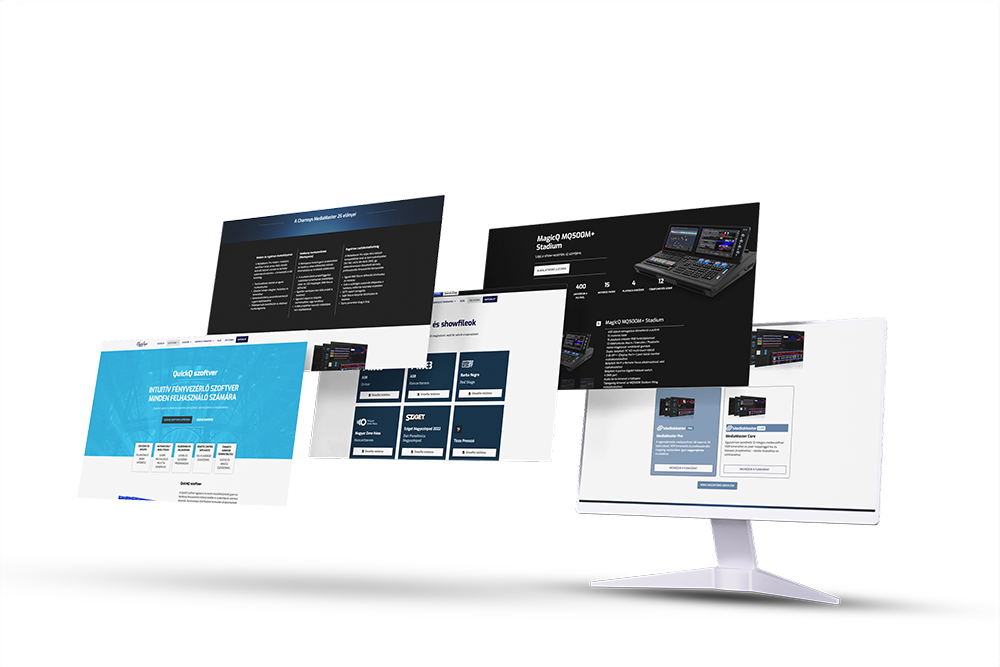
By the time someone lands on the MagicQ page, the job is to confirm their choice, not to sell. The content follows that order:
- Who it's for — quick self-identification
- Where it's used
- Capabilities in readable blocks
- Download, immediately
Final design
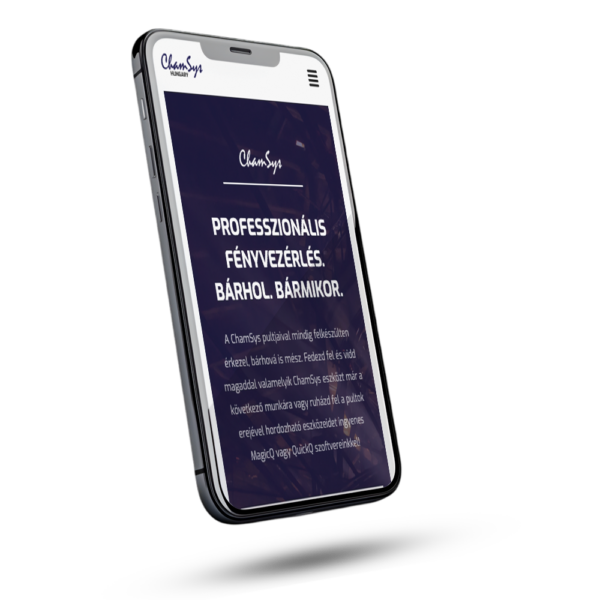
In the shipped interface, the decisions based on analytics and user tasks are easy to see: fast access to frequent actions, a balance between professional and business goals, and a structure that supports decisions without overwhelming.